Showing posts with label Still life. Show all posts

Wednesday, 4 December 2013

Still Life Editing Using Photoshop (Graphics)

I have chosen an original painting that i have then used to digitally copy.
Original Still Life Painting.


firstly I layered my starting images so that i could then use the "quick selection tool" to remove the background of the image.


I then selected the image and used the "filter gallery" tool and used the "paint daubs effect" and then changed the bush size, sharpness and brush type.
After editing all the different items of the image i duplicated them onto one window and started to structure them so that they layered in the correct order.
Then using the crop tool i cropped the image so that it was the appropriate size that was adequate for the original copy.
I then made sure that everything was in the correct place as the original painting.


Finished digital copy.

Evaluation
Creating this digital copy of a still life painting, I found very challenging. The reason as to why I found this challenging was because I had never used Photoshop before, so using the different tools and learning the short-cuts became very complicated and difficult to remember. When I finally got to grips with the tools of Photoshop I found the effects very impressive, they allowed me to create different texture and tone within my work. My strengths that I found while using Photoshop was that I was able to get the effect I hoped to achieve very quickly. Personally I would say that my weakness was that throughout making my digital copy I had open many images to edit so at times I was confused and I often lost track of which parts of work I was working on, due to this I know know that I can organise my different windows of work on tabs in Photoshop. Although I enjoyed creating this digital copy of a still life painting, my finial outcome was not as successful as I'd have hoped for it to be, the reason for this was because I was new to Photoshop and I think that if I was to do another piece similar to this I think that I would be able to work at a faster pace which I could then involve more time with effects, as I had to work to a deadline with this piece so unfortunately I was restricted the amount of time I took choosing the right effects and the structure of the whole piece. Overall I enjoyed learning how to create this piece of work and understand my errors that I need to correct for the next time I digitally copy a painting or use Photoshop in any way.


Wednesday, 16 October 2013

Still Life Editing Using Photoshop

Effects using Photoshop by editing my original still life photographs.

For this photograph I decided to experiment using filters to create effects that I found interesting.

For this photograph I used the 'liquify' and 'solarise' filter in Photoshop, I chose these effects because I think they are really effective towards the subject of the image.

Original image

Edited image


For this image I manipulated it by using layers. Firstly I duplicated the background layer and then used the blend mode 'difference' effect to give it an effective transparent look. I then moved this layer so that it created a double subject image.

Original image
Edited image

Editing Photography Examples


Still Life Group Photography

During the first session of photography we worked in groups experimenting with shutter speed using still life objects. Taking the photographs in the classroom and then experimenting further by taking the objects outside, this was effective because of natural light that made the images taken have more depth and the natural environment helped with the placing of the objects.

From the photographs we took, these are a few of my favorite photographs.


Wednesday, 9 October 2013

Drawing With Light (Photography)

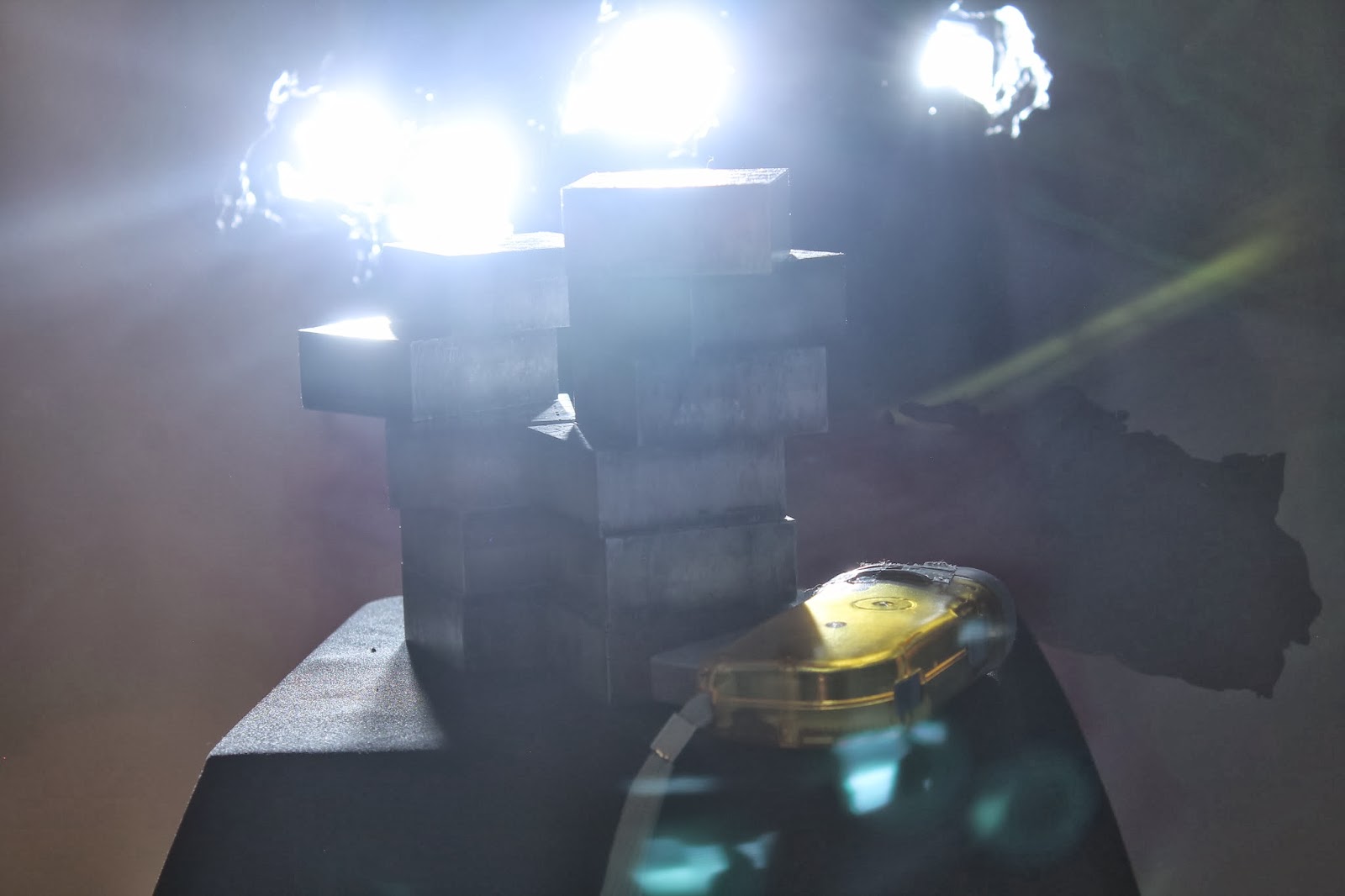
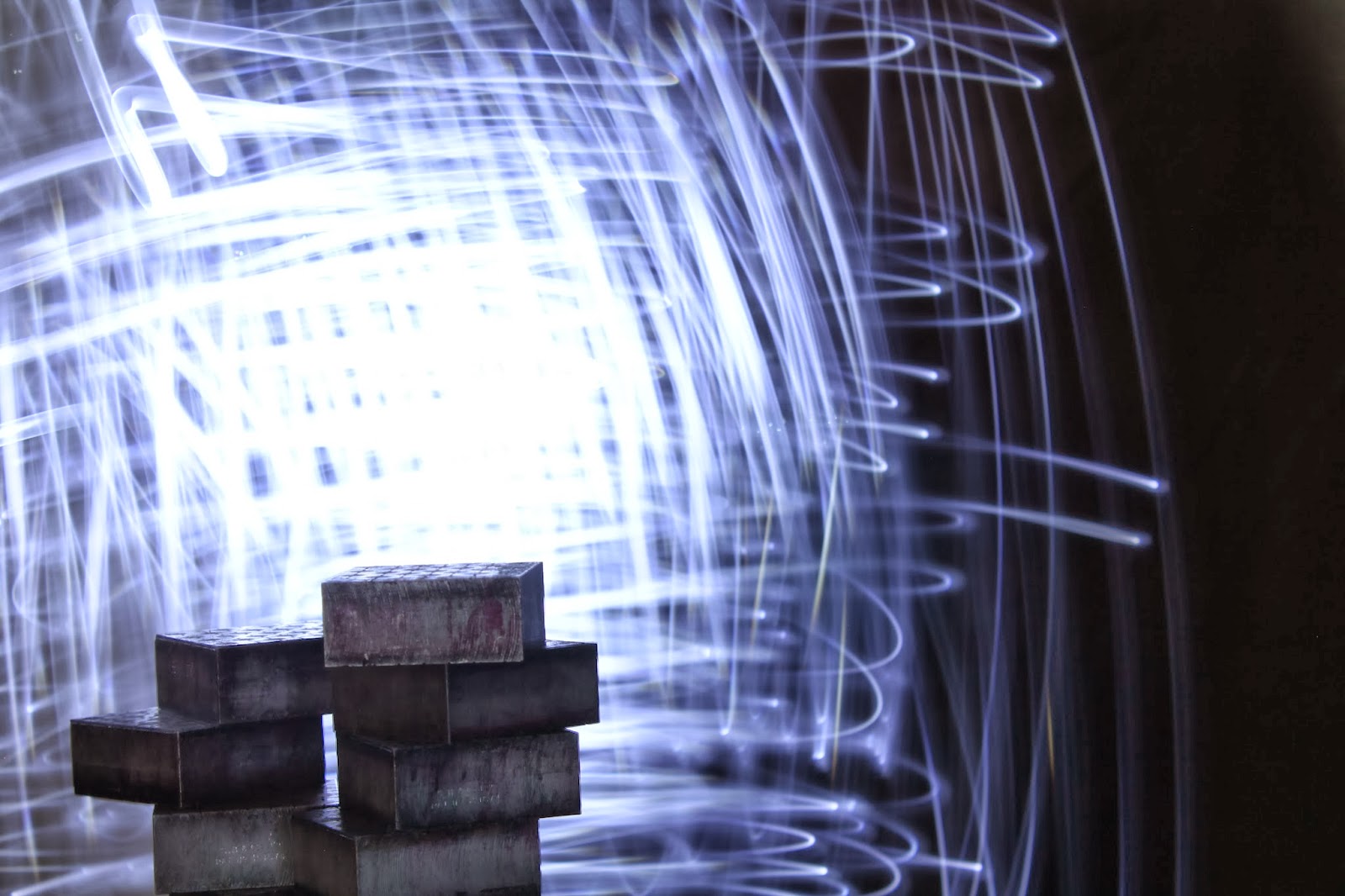
 We had a 30 second shutter speed and added light effects with lighting tools (torches and camera flash).


Drawing with Light Research


Patrick Rochon
Patrick Rochon creates stunning images by moving light through various media and capturing the movement with photography and video. Patrick’s light painting is unique even among a field of very innovative artists, using lasers to illuminate his subjects in ways that create an eerie, otherworldly feel in the finished portraits. Patrick has also taken light painting to a whole new level by building costumes of lights and performing light painting on a giant screen to create a unique visual experience.


Ryan Warnberg and Michelle McSwain
Queens, NY light painters Ryan Warnberg and Michelle McSwain are collectively known as MRI, a group that creates light paintings for hire. MRI’s fun brand of light painting can be commissioned for parties, ad campaigns and special events, and they bring all of their own equipment. MRI creates “kaleidoscopic” images that invoke old portraits of religious figures, but with a decidedly modern twist.


Toby Keller
Toby Keller of Burn Blue Photography in Design has created a series of light painting images in which the free-flowing forms of light seem to have no rhyme or reason – and they don’t have to. Keller takes what would already be beautiful nature photography and makes it seem to crackle with kinetic energy as ribbons of glowing light swirl around groups of rocks by the sea.

Macro Photography

Macro photography is all about capturing things up close. There are special lenses designed specifically for this task, and they are very good at capturing the smallest of details on tiny objects.

Using a macro lens I captured these interesting photographs, which look very effective.


Macro Photography Research

Damon Clarke
Damon strives to capture the beauty, emotion and personality of his miniature subjects. As he reveals "I try to capture poignancy and gesture in my subjects. I want to connect people to the small world that is all around us and remind them of the smaller beauty that is so often missed. I try to bring happiness, awe or quiet contemplation into peoples lives." In his work, form, depth, colour and light interplay to create striking imagery of classical composition. Each piece is hand printed using modern and traditional museum grade materials and techniques.